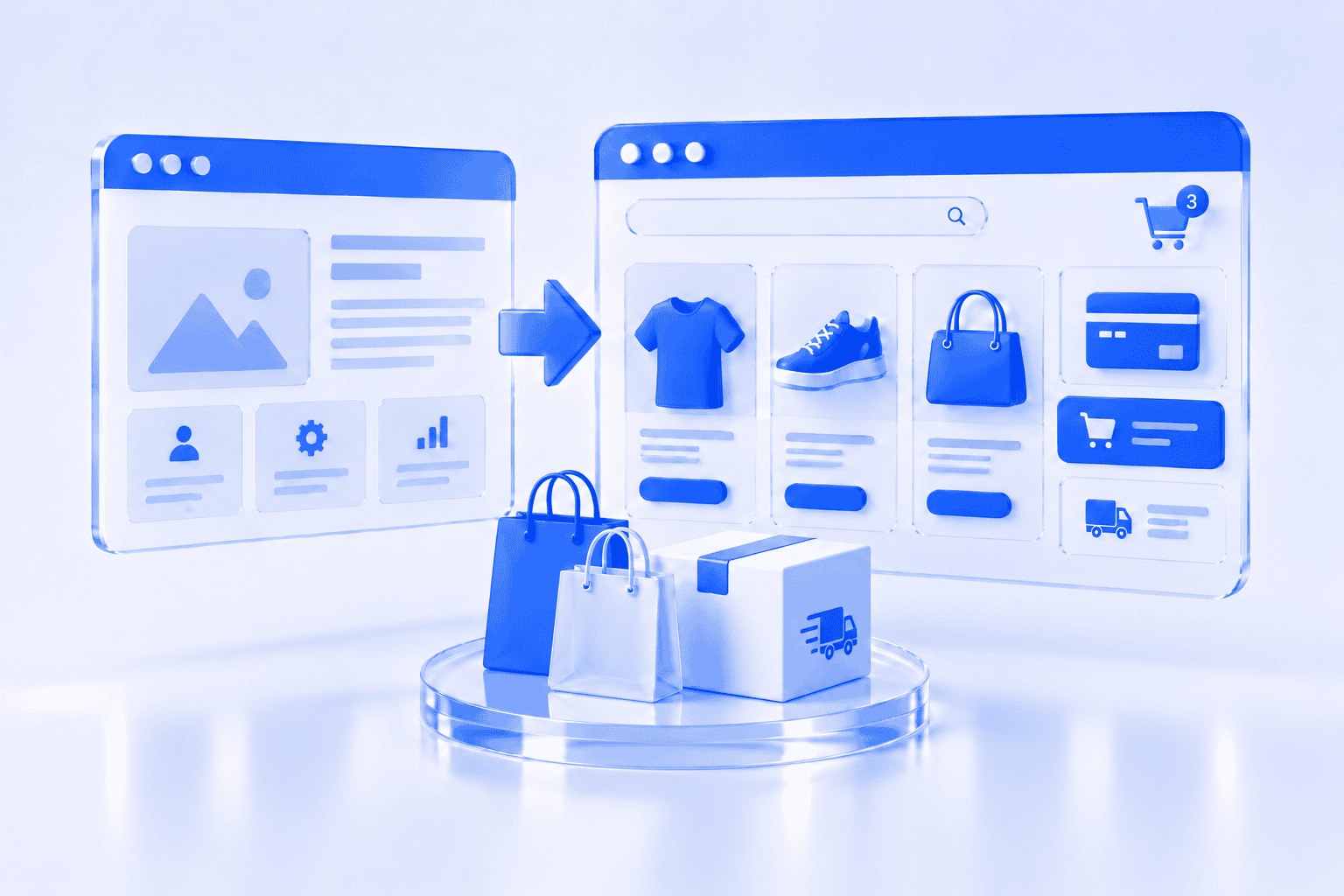
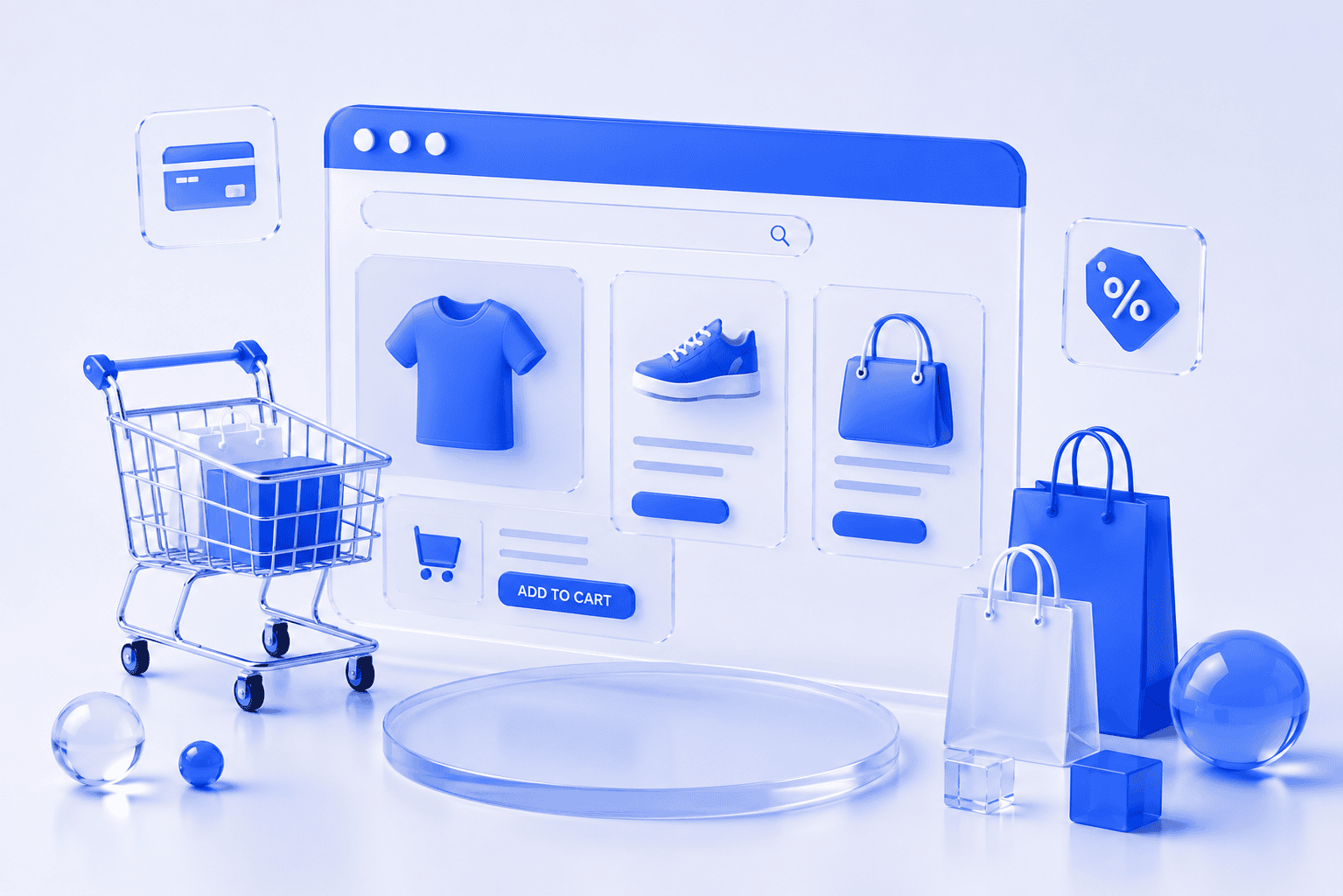
Starting an online store can feel overwhelming. There are products to organise, platforms to compare, payment methods to configure and delivery rules to prepare. You may also hear unfamiliar terms such as payment gateways, product variations, inventory systems and checkout integrations. The process becomes easier when it is divided into clear decisions. You do not need every possible feature from the beginning. You need a reliable store that allows customers to understand your products, place an order and receive clear information about what happens next.
This guide explains what to prepare and which decisions matter most.
What do you need before building an online store?
Before selecting a platform or design, clarify the basic business model.
You should know:
- What you will sell
- Who will buy it
- Where you will sell
- How customers will pay
- How orders will be delivered
- Who will manage products and orders
- What information customers need before purchasing
You do not need every product description or photograph to be finished before contacting a web agency. However, the main business decisions should be clear enough to plan the store correctly.
What products will you sell?
Start by organising your products into a simple structure.
Consider:
- Product names
- Product categories
- Prices
- Images
- Descriptions
- Sizes or colours
- Stock quantities
- Product codes
- Weight and dimensions
- Delivery requirements
A product that is available in different sizes or colours usually needs variations.
For example, one T-shirt may have:
- Small, medium and large sizes
- Black and white colours
- Separate stock quantities for each combination
Planning these details early makes the store easier to build and manage.
How many products should you launch with?
You do not need a large catalogue to start selling online.
A smaller, organised selection can be easier for customers to understand and easier for your team to manage.
Start with products that:
- Have clear demand
- Are ready to photograph and describe
- Can be delivered reliably
- Represent the business well
- Are practical to manage
You can add more products after the store is operating smoothly. A large store with incomplete descriptions, inconsistent images and outdated stock can create more problems than a focused store with fewer products.
Do you need a new website or can e-commerce be added to your existing site?
In many cases, e-commerce can be added to an existing website.
This may be suitable when:
- The website uses a supported platform
- The design is still professional
- The site works well on mobile devices
- The technical setup is stable
- The current structure can support a shop
A new website may be more practical when:
- The existing website is outdated
- The platform cannot support the required store
- The website is difficult to manage
- The design no longer reflects the business
- Major structural changes are needed
- E-commerce will become the main part of the business
The existing website should be reviewed before making this decision.
Which e-commerce platform should you use?
The best platform depends on your products, budget, management needs and future plans. Two common options are Shopify and WooCommerce.
Shopify
Shopify is a dedicated e-commerce platform.
It can be suitable for businesses that want:
- A system built specifically for online selling
- Hosting and technical infrastructure included
- A relatively simple administration area
- Access to a large selection of store applications
- A managed platform with regular updates
The business usually pays a monthly platform fee, and additional applications may create extra costs.
WooCommerce
WooCommerce adds online-store functionality to a WordPress website.
It can be suitable for businesses that want:
- Greater flexibility
- A content-focused website and online store together
- More control over hosting and website structure
- Custom design possibilities
- Integration with an existing WordPress website
WooCommerce requires more responsibility for hosting, updates, security and technical maintenance.
Neither platform is automatically better. The right choice depends on how the business will use and manage the store.
What payment methods should an online store offer?
Customers should be able to pay using familiar and trusted methods.
Depending on your market, these may include:
- Credit or debit cards
- Bank payments
- Digital wallets
- PayPal
- Payment on collection
- Invoice payments
Payment processing is usually provided through an external payment provider. The provider connects securely with the store and processes the transaction.
Before selecting one, check:
- Which countries it supports
- Which currencies it accepts
- Transaction fees
- Payout schedules
- Refund options
- Whether it integrates with your store platform
You should also decide when an order is considered confirmed and what notification the customer receives after payment.
How will orders be delivered?
Delivery is one of the most important parts of an online store.
Customers need to understand:
- Where you deliver
- How much delivery costs
- How long it takes
- Whether tracking is available
- Whether collection is possible
- What happens if an item is damaged or delayed
Delivery options may include:
- Courier delivery
- Parcel lockers
- Postal delivery
- Local delivery
- Collection from a store or office
- Digital delivery for downloadable products
You should decide whether delivery has:
- A fixed price
- Different prices by location
- Different prices by weight
- Free delivery above a certain order value
These rules need to be prepared before checkout can be configured correctly.
What should a good product page include?
Customers cannot physically inspect products online. The product page needs to provide enough information for them to make a decision.
A useful product page should include:
- A clear product name
- High-quality images
- Price
- Product description
- Important features
- Size or dimensions
- Materials or ingredients
- Available variations
- Stock information
- Delivery information
- Returns information
- A visible Add to Cart button
The description should answer practical customer questions, avoid using only manufacturer text or general promotional statements, and explain what the product is, who it is for and what the customer should know before ordering.
How important are product images?
Product images are one of the strongest influences on online purchasing decisions.
Images should be:
- Clear
- Consistent
- Properly lit
- Correctly cropped
- Large enough to show details
- Optimised so they do not slow down the website
Where relevant, include:
- Front and back views
- Detail images
- Product scale
- Different colours
- Packaging
- The product being used
All products do not need expensive studio photography, but the images should follow a consistent style.
What pages does an online store need?
In addition to product and category pages, most stores need:
- Homepage
- About page
- Contact page
- Delivery information
- Returns or cancellation policy
- Privacy policy
- Terms and conditions
- Frequently asked questions
- Cart
- Checkout
- Order confirmation page
Depending on the business, you may also need:
- Size guides
- Care instructions
- Wholesale information
- Customer accounts
- Gift cards
- Subscription information
These pages help customers understand the process and reduce questions before and after purchase.
How should the checkout work?
Checkout should be simple and predictable.
Avoid requesting information that is not required to complete the order.
A typical checkout may ask for:
- Customer name
- Email address
- Phone number
- Billing information
- Delivery address
- Delivery method
- Payment method
Customers should clearly see:
- Product total
- Delivery cost
- Taxes where applicable
- Final order total
Unexpected fees or unclear delivery information can cause customers to leave before completing the purchase.
The checkout should also be tested on mobile devices.
Does an online store need SEO?
Yes, most definitely!
SEO helps search engines understand your store and can help customers find relevant products.
Important e-commerce SEO foundations include:
- Clear product names
- Useful product descriptions
- Descriptive category pages
- Unique SEO titles
- Meta descriptions
- Image alt text
- Simple page URLs
- Internal links
- Mobile-friendly design
- Good website performance
Avoid copying the same manufacturer description across many websites. Original and useful product information gives customers more value and helps distinguish your store. A resource section can also attract people who are researching subjects related to your products. For example, a furniture shop could publish care guides, room-planning advice and material comparisons.
Who will manage the store after launch?
An online store needs regular management.
Someone needs to handle:
- New products
- Price changes
- Stock information
- Order processing
- Customer questions
- Delivery updates
- Returns
- Promotions
- Website updates
- Security and backups
Before launch, decide which tasks will be managed internally and which will be handled by an agency or technical provider. This is especially important when stock changes frequently. The online information should match what is genuinely available.
What should you test before launching?
Before opening the store to customers, complete test orders.
Check:
- Product variations
- Prices
- Discount codes
- Delivery calculations
- Taxes
- Payment processing
- Customer emails
- Internal order notifications
- Stock reduction
- Mobile checkout
- Refund process
- Contact forms
- Legal and policy links
A store should not be launched immediately after the final product has been added. Allow time to test the complete customer experience.
How can you promote a new online store?
The store needs a plan for attracting visitors.
Promotion may include:
- SEO
- Social media
- Email marketing
- Google Business Profile
- Partnerships
- Influencer collaborations
- Paid advertising
- Existing customer communication
- Local promotions
Avoid relying only on a launch announcement.
Plan several weeks of content explaining:
- What the products are
- Who they are for
- How they are used
- What makes them different
- How delivery works
- Customer questions
- Product comparisons
Each campaign should link to the most relevant product or category page rather than sending everyone to the homepage.
Common mistakes when starting an online store
Adding too many products at once
A smaller, complete catalogue is better than a large, unfinished one.
Choosing a platform before understanding the business needs
The platform should support the store, not determine the entire business process.
Using unclear product descriptions
Customers need practical information, not only marketing phrases.
Ignoring mobile checkout
Many customers shop from phones. The full order process must be easy on a small screen.
Hiding delivery costs until the end
Customers should understand delivery expectations before checkout.
Forgetting ongoing management
The store needs regular product, order and technical updates after launch.
Installing too many applications
Every additional tool can increase cost, complexity and maintenance.
What should you prepare before contacting an e-commerce agency?
You do not need to understand the technical setup.
It helps to prepare:
- Your product list
- Approximate number of products
- Product categories
- Target countries
- Preferred currencies
- Payment requirements
- Delivery methods
- Existing website information
- Examples of stores you like
- Required launch timeframe
- Approximate budget
The agency should help you select the platform and define the required functionality.
Final thoughts
Starting an online store does not need to begin with a large catalogue or a complicated technical system. Begin with the customer journey. Can people find the right product, understand it, pay securely and receive clear delivery information? When those steps work well, additional products, marketing tools and automation can be added over time. AmemIT helps small businesses and startups create online stores, add e-commerce to existing websites and organise the content and tools required to manage them. You do not need to know whether Shopify, WooCommerce or another approach is right before contacting us. We can review your products, existing website and business needs, then recommend a practical setup.
Contact us to discuss your online store or request an e-commerce project proposal.