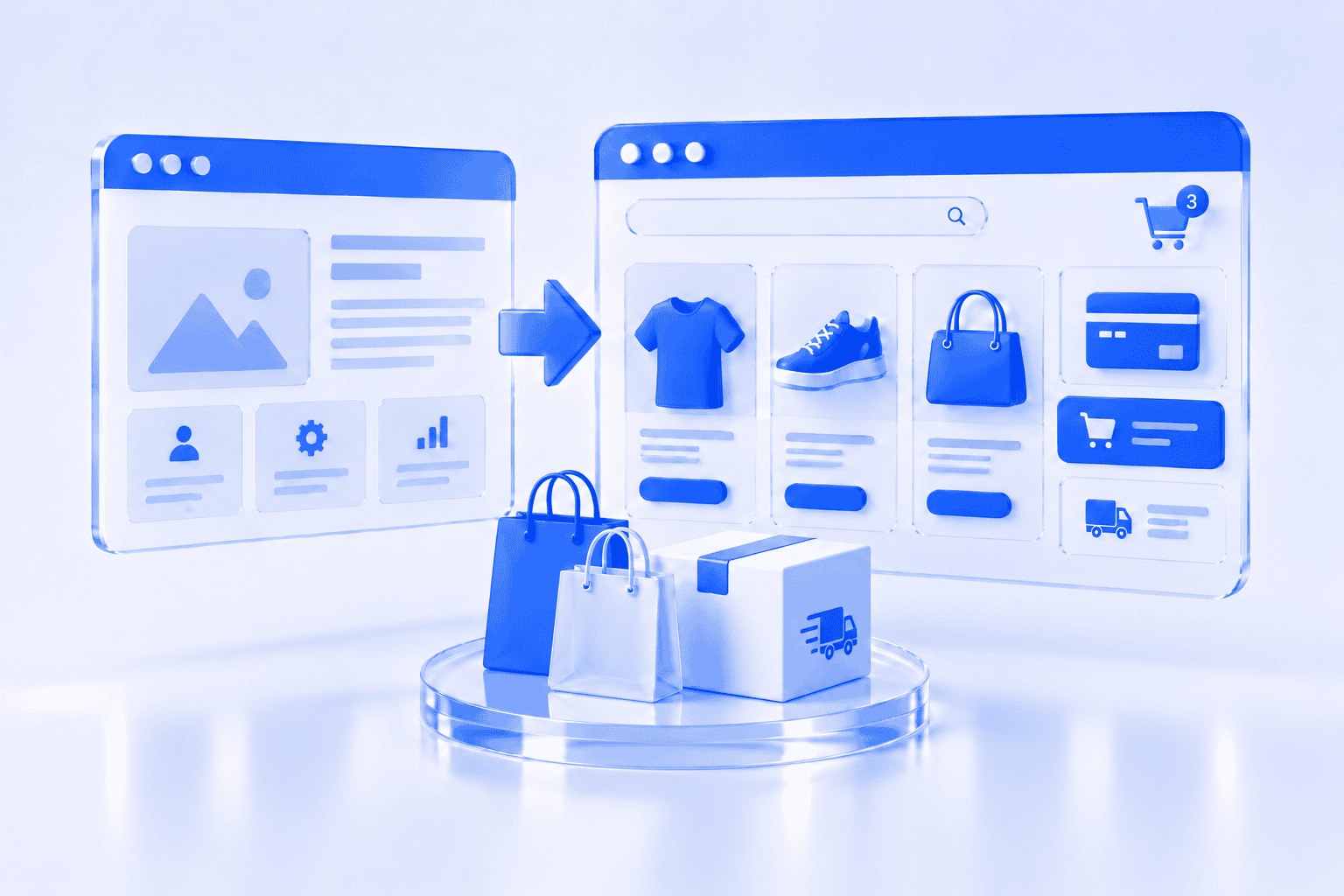
You already have a business website, but you would like the website visitors to become customers and buy products listed on the site, book paid services or place orders online.
Do you need to replace the entire website? Not necesseraly.
In many cases, e-commerce can be added to an existing website. However, the right approach depends on the platform, technical setup, design, required features and how important online selling is for the development of the business.
Adding a simple payment option for a few products is very different from building a store with hundreds of products, stock management, customer accounts, several delivery methods and integrations. Before choosing the right approach, you need to understand what you want the store to do.
What does adding e-commerce to a website mean?
Adding e-commerce means introducing the tools customers need to complete a purchase online. A small business may only need to sell a limited number of products or fixed service packages.
In general this include:
- Product or service pages
- A shopping cart or direct purchase option
- Checkout
- Payment processing
- Delivery or collection options
- Tax settings where applicable
- Order-management tools
- Customer emails
- Relevant policies
- Product variations
- Stock management
- Discount codes
- Customer accounts
- Product filters
- Multiple currencies
- Different shipping zones
- Accounting integrations
- Product-feed integrations
- Automated order workflows
The first step is defining the required buying process, and then a platform can be chosen.
Can e-commerce be added without redesigning the whole website?
Yes, absolutely, provided the existing website has a suitable foundation.
A full redesign may not be necessary if the current website:
- Has UX friendly design.
- Works properly on phones as well as desktops.
- The website is technically stable.
- The navigation can accommodate a shop.
- The current platform supports e-commerce tools.
- The website is easy enough to maintain.
- The branding and content represents the business.
In this situation, the project may involve creating the store pages, configuring payments and delivery, updating navigation and making smaller design adjustments. The rest of the website can remain largely unchanged.
However, adding a store affects more than one menu item. The homepage, navigation, contact information, policies and customer journey may also need to be updated.
Which platforms can support e-commerce?
The answer depends on what your current website uses.
WordPress platform
WordPress websites can often be expanded using WooCommerce, an open-source e-commerce platform built specifically for WordPress. It can support products, checkout, payments, shipping, order management and additional store functionality.
This can be a practical option when the existing WordPress website is stable, well maintained and compatible with the required tools.
Before installing e-commerce functionality, the developer would review:
- WordPress and plugin versions
- Theme compatibility
- Hosting resources
- Security
- Website performance
- Current page-builder setup
- Existing integrations
- Backup procedures
Installing the store software is only one part of the work. The store still needs to be structured, designed, configured and tested.
Shopify platform
A business can also use Shopify while keeping an external website. Shopify’s Buy Button tools allow products or collections to be embedded on a non-Shopify website, although the suitability of this approach depends on the desired store experience and level of customisation. This may work for a smaller product selection or a business that wants Shopify to manage products and orders without replacing the whole website immediately.
For a larger catalogue, a complete Shopify storefront would be a more consistent experience than embedding individual products into another website.
Three ways to add online selling
Most businesses choose one of three approaches.
Option 1: Add a complete store to the existing website
The website keeps its current platform and gains product categories, product pages, cart, checkout and order management tools.
This may be suitable when:
- The platform supports e-commerce.
- The current website is technically healthy.
- The existing design can be extended.
- The business wants one connected website.
- The online store will be an important sales channel.
This approach usually gives customers the most consistent journey because the informational pages and store remain in the same system.
Option 2: Add direct purchasing for selected products or services
Instead of building a complete store, the business can add payment buttons or simple checkout links for a limited number of offers.
This can work for:
- Digital downloads
- Event tickets
- Gift cards
- Deposits
- Fixed service packages
- A small product selection
- Pre-orders
- Consultation payments
This option may be faster and simpler, but it can become difficult to manage as the product range grows.
Option 3: Build a separate online store
Online store is built on a separate platform or subdomain, and then connected to the existing website
This can be useful when:
- The current site cannot support the store.
- The online shop needs different technology.
- E-commerce will operate as a separate part of the business.
- Rebuilding the whole company website is unnecessary.
- The business wants to launch the store in stages.
The customer journey still will be connected. Branding, navigation, policies and links between the two systems should be consistent.
When is the current website suitable for e-commerce?
Your existing website may be a good candidate when it passes the following checks.
It works properly on mobile devices
Customers must be able to view products, select options, enter information and complete payment from a phone. A website that only looks acceptable on desktop is not ready for an online store.
It loads reliably
Product images, payment scripts and additional store tools can increase the amount of work the website must perform. If the existing website is already slow or unstable, adding e-commerce may make the problem worse.
It is secure and maintained
The website should have:
- A valid SSL certificate
- Current software
- Regular backups
- Secure administrator accounts
- Reliable hosting
- A maintenance process
An online store handles customer and transaction-related information, so ongoing technical management becomes more important.
The navigation can support products
Visitors should be able to find the shop, categories, delivery information, returns information and customer support without becoming confused. If the current menu is already crowded, the wider website structure may need to be reorganised.
The design can be extended consistently
New product pages, category pages, cart and checkout should feel like part of the same website. If the current design is outdated or inconsistent, adding modern store pages may make the website feel even more fragmented.
When is a new e-commerce website the better choice?
Building a new website may be more practical when:
- The current platform is outdated.
- The website is difficult to update.
- The design no longer represents the business.
- The existing site performs poorly on mobile.
- The hosting cannot support the store.
- The website has repeated security or technical problems.
- The business model has changed substantially.
- Online selling will become the main activity.
- The required integrations cannot be added reliably.
- The current content and navigation need a complete restructure.
In these cases, adding e-commerce to the old site may save money initially but create higher maintenance costs later. A website review can determine whether the current foundation is worth keeping.
What information should you prepare?
Before asking a developer to add e-commerce, prepare the main business requirements.
Products or services
Identify:
- What will be sold
- Approximate number of products
- Product categories
- Prices
- Variations such as size or colour
- Stock requirements
- Product images
- Product descriptions
You do not need every detail finished before requesting a proposal, but the approximate size of the store must be understood.
Target locations
Decide:
- Which countries you will sell to
- Which currencies are needed
- Whether prices include taxes
- Where products can be delivered
- Whether local collection is available
Payments
Consider which payment methods customers expect to use.
Possible options include:
- Payment cards
- Bank payments
- Digital wallets
- Invoices
- Payment on collection
Availability depends on the business location, customer market, platform and payment provider.
Delivery
Prepare the basic delivery rules:
- Delivery areas
- Courier or parcel-locker options
- Delivery prices
- Free-delivery conditions
- Weight or size restrictions
- Collection points
- Estimated delivery times
Store management
Decide who will:
- Add products
- Update prices
- Manage stock
- Process orders
- Handle refunds
- Answer customer questions
- Update promotions
- Maintain the technical system
A store should fit the daily operation of the business.
Will adding e-commerce affect SEO?
It can create new search opportunities because the website gains product and category pages. However, those pages need clear content and a logical structure.
Important areas include:
- Descriptive product names
- Useful category introductions
- Original product descriptions
- Clear page URLs
- Internal links
- Image descriptions
- Mobile usability
- Website performance
Google uses internal links to discover pages and understand how content is connected, so important categories and products should not exist as isolated pages that are difficult to reach. If website addresses change during the project, redirects and existing search visibility should also be considered.
How much does adding e-commerce cost?
The price depends on the amount of work rather than simply whether a “shop plugin” is installed.
Important cost factors include:
- Current website condition
- Platform
- Number of products
- Product variations
- Design changes
- Payment setup
- Delivery rules
- Tax configuration
- Product uploads
- Copywriting
- Image editing
- Data migration
- Integrations
- Customer accounts
- Testing
- Ongoing maintenance
A simple direct-payment setup costs less than a fully customised online store. Before work begins, the proposal should clearly explain what is included and which third-party subscriptions or transaction fees are separate.
How long does it take?
A small store can be prepared relatively quickly, in 2-4 weeks when:
- The existing website is suitable.
- Product information is ready.
- Delivery rules are simple.
- One payment provider is required.
- Few design changes are needed.
The project takes longer, 4-8 weeks, when it involves:
- A large catalogue
- Product data cleaning
- Complex variations
- Several countries
- Multiple delivery methods
- Custom integrations
- New content
- A wider redesign
Product content and business decisions often take longer than installing the technology.
Questions to ask before making the decision
- Can the current platform support the required store?
- Is the website technically reliable?
- Does it work well on mobile?
- Can the existing design be extended?
- How many products will be sold?
- What payment and delivery methods are required?
- Who will manage the store?
- Will the store need integrations?
- Is online selling a small addition or a major new business direction?
- Would improving the existing site cost less than rebuilding it properly?
The answers will show whether you need a simple integration, a full store added to the current site or a new e-commerce website.
Final thoughts
You may not need to replace your entire website to begin selling online. A stable, modern website can often be expanded with product pages, payments, delivery tools and order management. However, adding e-commerce to a weak technical foundation can create a store that is difficult for customers to use and expensive for the business to maintain. The best starting point is a review of the existing website and the planned buying process.
AmemIT can assess your current platform, product range, payment needs, delivery requirements and future plans. We can then recommend whether to extend your existing website, create a separate store or build a new e-commerce website.
Tell us about your project, and we will recommend the most practical next step.